
AI Face Mixer
Blend one or two face photos into a new portrait. Adjust the vibe, age look, and details with a short prompt.
Face Mixer
Blend one or two face photos into a new portrait. Adjust the vibe, age look, and details with a short prompt.
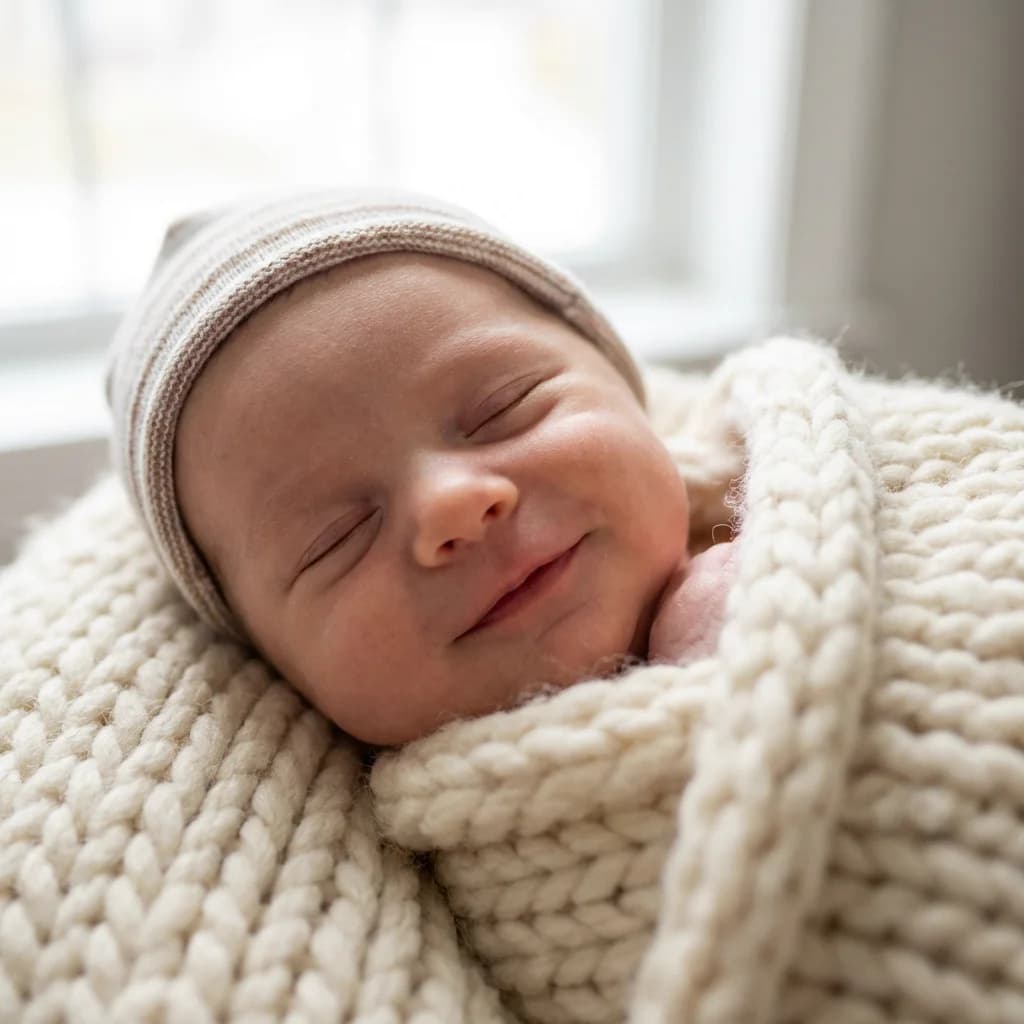
Example baby face predictions generated with AI. Upload your own photos to see personalized results.
How It Works
Create a blended portrait in 3 simple steps
Upload One or Two Photos
Use clear, front-facing photos with good light. Avoid heavy filters, sunglasses, or extreme angles.
Pick the Look
Choose the vibe and age look, then add any extra details (background, mood, styling) in the prompt box.
Generate & Download
Get a set of variations, pick your favorite, and download the result. Iterate fast until it feels right.
Why Use Face Mixer
Natural blends, fast iterations, and just enough control.

How People Use It
A few real-world ways creators use Face Mixer in their workflow
I use Face Mixer to explore character variations quickly. It’s the fastest way I’ve found to land on a look before I start a full series.

Emily R., Content Creator
Emily R.
Content Creator
The blends look surprisingly natural. It’s perfect for concepting profile photos and campaign visuals without overthinking the setup.

Michael C., Designer
Michael C.
Designer
We use it to generate consistent avatar options for internal demos. It saves time, and the results don’t look like generic stock art.

Sarah J., Marketing Lead
Sarah J.
Marketing Lead
It’s a great shortcut for ideation. Upload a reference, write one sentence, and you get usable options immediately.

David P., Indie Maker
David P.
Indie Maker
For moodboards and pre-visualization, it’s fantastic. I can explore lighting and vibe before a shoot—or even replace the shoot entirely for quick campaigns.

Amanda W., Photographer
Amanda W.
Photographer
The UI is straightforward and the output quality is solid. I can generate a few options, pick one, and move on—no drama.

Robert M., Product Builder
Robert M.
Product Builder
Face Mixer FAQ
Common questions about blending portraits
Make a Blended Portrait in Minutes
Upload one or two photos, generate variations, and download your favorite. Free to try.